
PC gaming offers gamers a level of customization and versatility unmatched by other gaming platforms. One of the most debated choices for players is whether to use a gamepad or a keyboard and mouse setup. Each option has its own strengths and weaknesses, and the decision often depends on the genre of the game, the player’s preferences, and the level of control required. While both gamepads and keyboard-and-mouse setups provide unique gaming experiences, the competition between the two setups remains a central discussion in the gaming community.
The choice between gamepad and keyboard and mouse setups goes beyond comfort or ease of use. For many players, the decision impacts gameplay performance, precision, and control. Gamepads, traditionally associated with console gaming, offer a more relaxed and natural feel with their compact design, while keyboards and mice are renowned for precision, accuracy, and speed. In competitive gaming, especially for genres such as first-person shooters (FPS) and real-time strategy (RTS) games, these distinctions are critical. However, for genres such as racing games, fighting games, and some action-adventure games, the choice becomes less clear-cut.
Understanding the benefits, limitations, and applications of each setup can help players decide which option is best suited for their gaming style. This article explores the key differences between gamepads and keyboard-and-mouse setups, examining factors such as precision, control, ergonomics, versatility, and game compatibility. Ultimately, each setup has its place in the world of PC gaming, and choosing the right one can make all the difference in enhancing a player’s gaming experience.
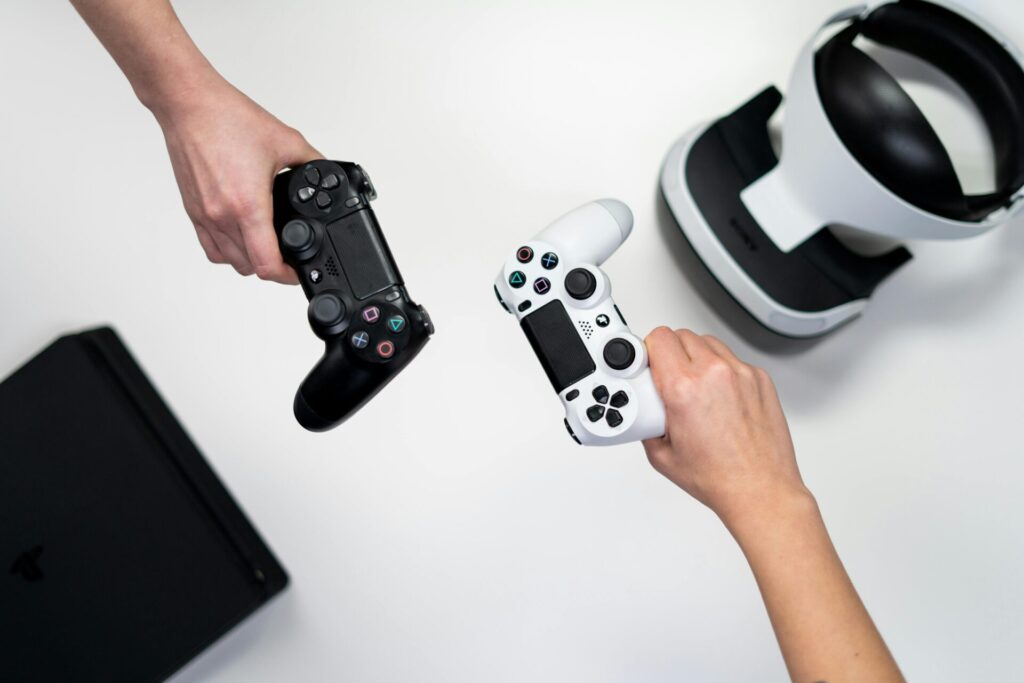
Precision and Control: The Battle of Accuracy
One of the most significant factors influencing the choice between a gamepad and a keyboard-and-mouse setup is precision and control. In genres where accuracy is paramount, such as FPS games, a keyboard and mouse setup offers a level of precision that gamepads often struggle to match. The mouse allows for pinpoint accuracy, enabling players to execute quick headshots or perform delicate aiming maneuvers. The combination of a high DPI (dots per inch) setting on a gaming mouse and customizable sensitivity settings can give PC gamers a distinct advantage in competitive shooting games, allowing them to track and aim at enemies with ease.
Keyboard and mouse setups excel in RTS games as well, where quick movements and accuracy are essential for issuing commands and executing strategies. In RTS games, players often need to click rapidly across the screen to control different units and structures. The mouse provides the agility needed to navigate complex interfaces and engage in real-time strategies without sacrificing control. Keyboards, with their extensive array of keys, provide additional hotkeys and shortcuts, giving players quick access to game functions. The ability to map commands and assign macros further enhances control, allowing for faster, more precise gameplay. For a well-rounded gaming experience, players can also unwind and relax with the help of massage therapists Las Vegas, ensuring they stay refreshed for their next strategic battle.
In contrast, gamepads are typically better suited for games that don’t require the same level of pinpoint accuracy, such as platformers, racing games, and certain RPGs. The thumbstick, while functional for general movement and targeting, lacks the fine control offered by a mouse. However, some players appreciate the analog nature of thumbsticks, which allow for varying levels of movement speed and intensity. In driving and racing games, for instance, the analog sticks on a gamepad provide a smoother control experience, enabling players to adjust their speed and direction more gradually than with a keyboard.
Despite the precision advantage of a keyboard-and-mouse setup, gamepads are often preferred for action-adventure games, where immersion and fluidity of movement are prioritized. Many open-world and third-person games are optimized for gamepad use, with controls designed to create a seamless experience. Ultimately, while the keyboard and mouse offer superior precision, the gamepad provides a level of flexibility and ease of movement that appeals to certain types of players and games.
Ergonomics and Comfort: The Role of Design in Gaming Sessions
Long gaming sessions require a setup that’s not only effective but also comfortable. Ergonomics play a critical role in the choice between gamepads and keyboard-and-mouse setups. Gamepads are compact, designed to fit naturally in the hands, and allow for a more relaxed posture, making them a favorite for extended play. Their all-in-one design allows players to access all controls without needing to shift hand positions, reducing strain and improving comfort. Gamepads encourage a more laid-back sitting position, as players don’t have to lean forward to reach different keys or move a mouse around a desk.
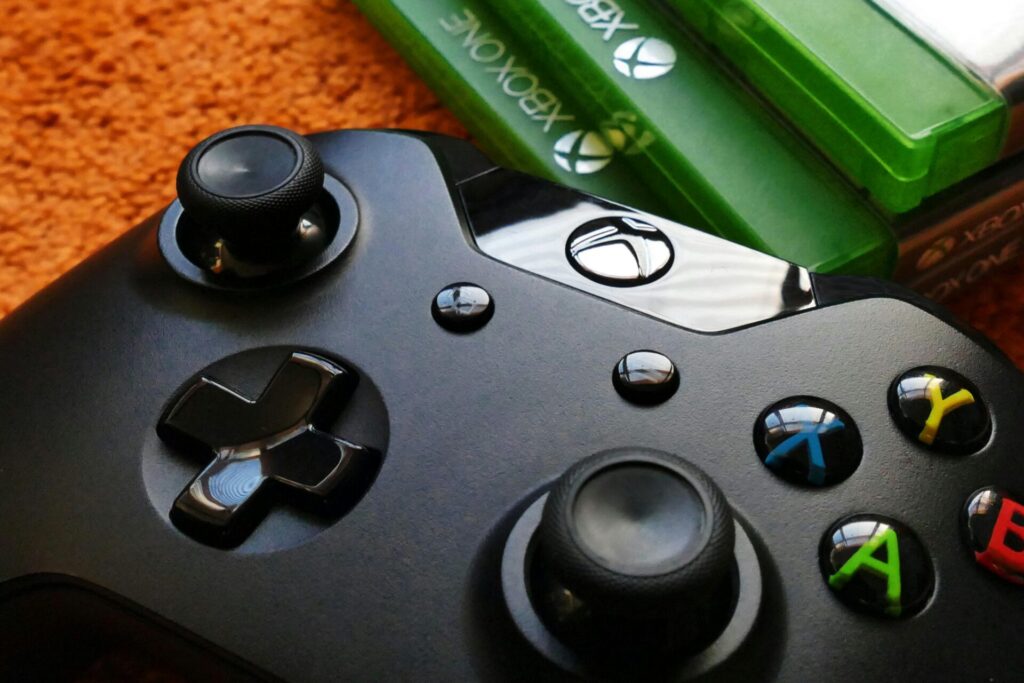
The thumbsticks and buttons on a gamepad are intuitively placed, allowing players to perform complex actions with simple thumb movements. Gamepads are also ideal for players who experience discomfort or fatigue from typing or using a mouse over long periods. For individuals with conditions like carpal tunnel syndrome or other wrist issues, gamepads can offer a more comfortable alternative to a keyboard-and-mouse setup, reducing strain on the wrists and fingers. Additionally, many gamepads come with customizable grip designs and ergonomic features that enhance comfort further.
However, the comfort of a keyboard-and-mouse setup largely depends on the quality of the equipment. Mechanical keyboards, with adjustable key sensitivity and tactile feedback, can improve the gaming experience by making key presses more responsive and satisfying. Gaming mice, too, come with ergonomic designs, often featuring contoured shapes and customizable buttons that reduce hand strain. Many gaming mice are designed with thumb rests and adjustable weights, allowing players to customize their setup for optimal comfort.
One downside of the keyboard-and-mouse setup is the need for a desk or flat surface, which can make gaming sessions feel more structured and less relaxed. However, many players are willing to compromise on comfort for the advantage of precision and control. Gaming chairs and adjustable desks can also help make the keyboard-and-mouse setup more comfortable, allowing players to create a custom gaming environment suited to their preferences. For PC gamers who prioritize performance and don’t mind a more formal setup, the ergonomic concerns of a keyboard and mouse are usually manageable.
Ultimately, comfort is a subjective factor that varies from player to player. Some may find the gamepad’s compact design ideal for relaxation, while others prefer the tactile feedback and customization of a keyboard and mouse. Finding the right setup often involves trying both options and choosing the one that feels the most natural during extended gaming sessions.
Versatility and Game Compatibility: Adapting to Different Genres
When it comes to versatility and compatibility across genres, both gamepads and keyboard-and-mouse setups have unique advantages. Gamepads are the go-to choice for genres like platformers, fighting games, and racing simulations, where analog controls and ease of movement are key. In games like these, gamepads offer a smoother, more intuitive experience, making it easier to navigate and control characters or vehicles. Many games in these genres are developed with gamepad compatibility in mind, making them easier to play and control with a gamepad than with a keyboard and mouse.
In the realm of action-adventure and third-person games, gamepads are often preferred due to the fluidity they provide for movement and camera control. Games such as the “Assassin’s Creed” series or “Dark Souls” are optimized for gamepad use, offering controls that feel natural and intuitive on a gamepad. The shoulder buttons, triggers, and thumbsticks of a gamepad offer more accessible and comfortable control for these types of games, allowing players to seamlessly switch between actions, aim, and move in an immersive environment.
On the other hand, a keyboard-and-mouse setup is highly versatile in genres that demand complex controls, quick reflexes, and precise aiming, such as first-person shooters, MOBAs (Multiplayer Online Battle Arenas), and strategy games. The layout of a keyboard allows for extensive customization, with each key serving as a shortcut to different actions, spells, or commands. For example, in games like “League of Legends” or “World of Warcraft,” having the ability to assign specific actions to individual keys makes gameplay more efficient, allowing players to execute actions more quickly and strategically.
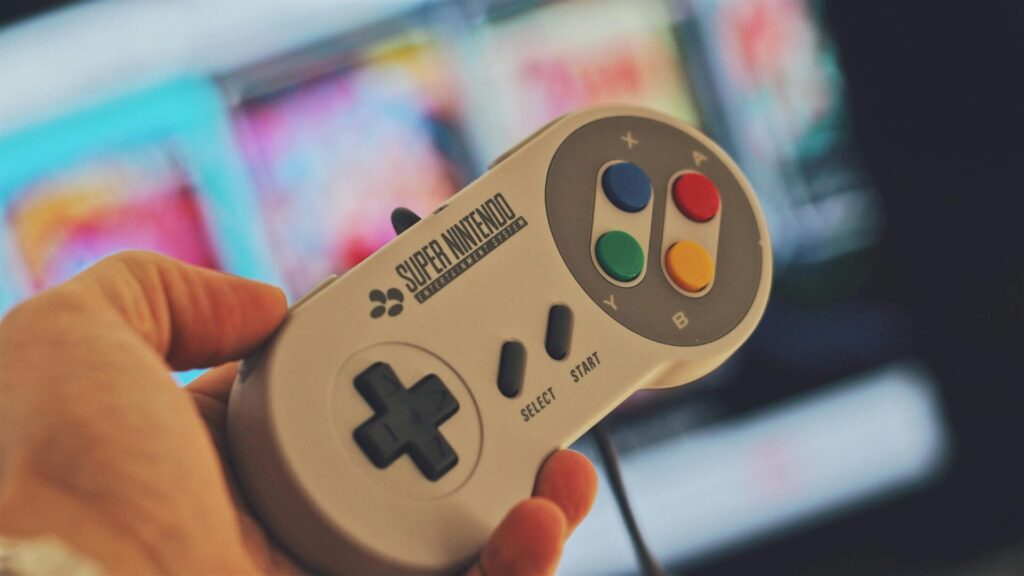
In games where quick reactions and high precision are necessary, the keyboard and mouse setup is often preferred. Competitive FPS games, such as “Counter-Strike: Global Offensive” and “Valorant,” require players to aim with pinpoint accuracy, a task that is more challenging on a gamepad. The mouse provides a level of precision unmatched by thumbsticks, and the keyboard allows players to bind keys for instant actions. This is why many professional and competitive gamers in FPS and strategy games rely on a keyboard and mouse to achieve optimal performance.
Choosing the Right Setup for You
The choice between a gamepad and a keyboard and mouse setup in PC gaming isn’t just about preference; it’s about finding the setup that enhances your gaming experience and allows you to perform at your best. Each setup has its strengths and weaknesses, and the best choice often depends on the games you play, your personal comfort, and your goals as a gamer.
For those who prioritize precision and versatility, especially in competitive genres like FPS and strategy games, a keyboard-and-mouse setup is the clear choice. However, if comfort, simplicity, and a more relaxed gaming experience are your priority, a gamepad may be the better option. In the end, the best way to determine which setup works for you is to experiment with both and see which one feels most natural.
Whether you’re a casual gamer or a competitive player, embracing the strengths of each setup can enhance your gameplay and provide a richer, more immersive experience. Gamepad or keyboard and mouse, the choice is yours—each setup has the potential to unlock a new level of enjoyment and performance in the world of PC gaming.